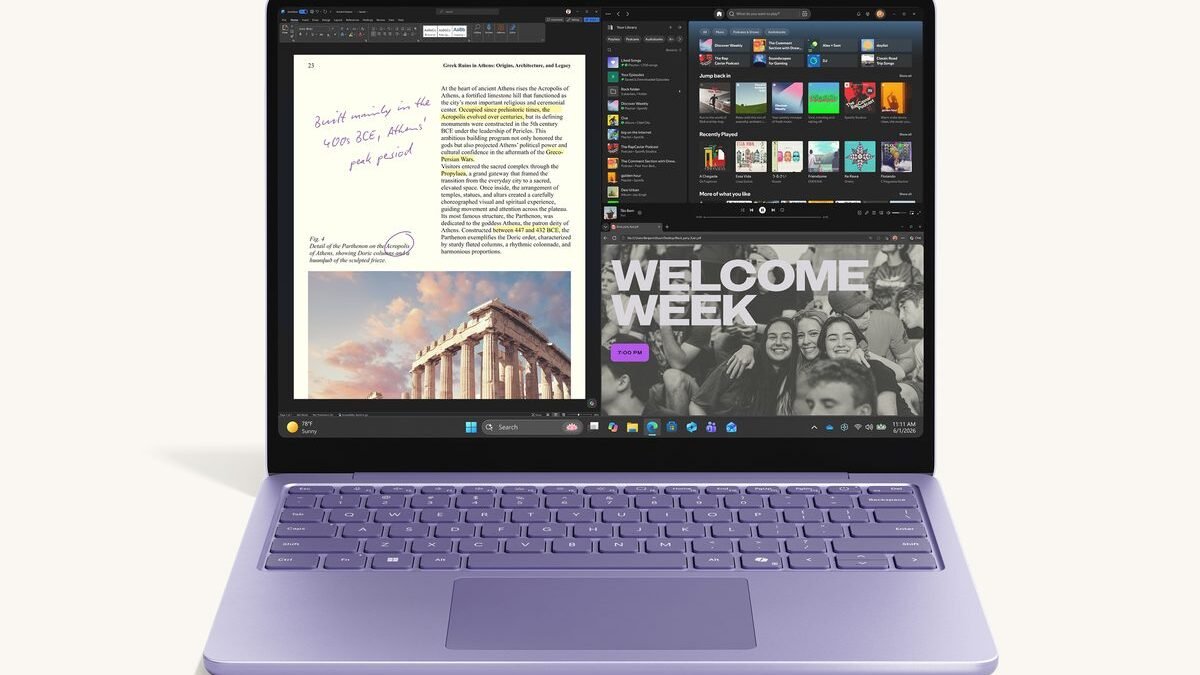
Finding a slim Windows laptop that lasts through a full workday without heating up used to feel impossible. Microsoft addresses this with its updated 13-inch Surface Laptop. It pairs clean metal hardware with the energy-efficient Qualcomm Snapdragon X2 Plus processor. This chip runs on ARM, which is a mobile-style processor architecture built to save power. In daily use, you will notice how silently it runs. It easily handles open browser tabs, heavy spreadsheets, and video streams. You get a very comfortable keyboard and a vibrant screen. However, the new processor design still creates occasional software compatibility issues with older desktop apps. This review breaks down whether the entry model strikes the right balance for your budget and daily routine. As of September 25, 2026, it is often listed near $999.
Design and Display: 13-Inch PixelSense Clarity
The sturdy aluminum frame feels remarkably rigid while keeping the total weight under three pounds. Smooth, curved edges make this laptop easy to carry. It feels comfortable to grip between meetings. You can open the lid with a single finger. Narrow borders surround the screen to give it a clean, contemporary look.
A vibrant PixelSense touchscreen serves as the centerpiece. It uses a taller 3:2 screen shape instead of the typical widescreen format. That extra vertical room shows more rows in a document. You will not need to scroll constantly. Peak brightness reaches roughly 600 nits, which easily cuts through the harsh glare of office lights. The panel displays rich and natural colors, making it excellent for editing photos or reading fine text.
Swiping on the glass feels immediate and smooth because of the dynamic 120Hz refresh rate. This technology updates the screen image 120 times every second. When you read a still page, the screen drops to 60Hz to save battery. It coordinates perfectly with the efficient processor inside to keep energy consumption low.
- Chassis build: Anodized aluminum body weighing 2.96 pounds with a sturdy hinge.
- Screen specs: 2304 x 1536 resolution, ten-point touch control, and rounded display corners.
- Productivity boost: The taller layout fits two documents side by side with ease.
Performance and AI: Snapdragon X2 Plus Capabilities
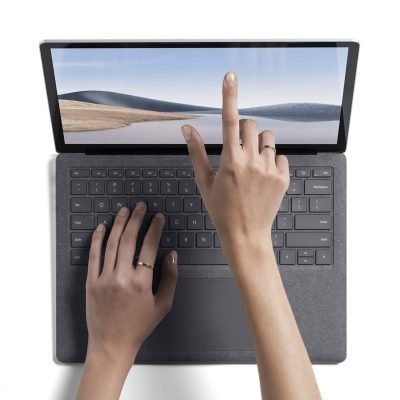
Raw performance numbers matter very little if daily office software drags. The Snapdragon X2 Plus chip keeps office tasks fast. You can jump between web browsers, slide decks, and large sheets without any hesitation. Speed tests put it on par with Intel Core Ultra and Apple M-series chips. Multitasking stays fast and smooth.
Artificial intelligence tasks run silently in the background thanks to a built-in neural processing unit, or NPU. This specialized chip is designed solely to handle AI calculations. It delivers over 45 TOPS, or trillions of operations per second. It runs advanced AI features without draining the main processor. Real-time video captions translate spoken words on the fly, and the system blurs webcam backgrounds cleanly.
App compatibility is much better than in previous generations. Windows runs older apps through emulation. This translation process lets the energy-saving chip run traditional software code. Native apps like Microsoft 365, Spotify, and Chrome launch instantly. However, limitations remain for specific software categories.
- Native apps: Software written specifically for this chip opens in under a second and uses minimal power.
- Emulated tools: Traditional business utilities and legacy web tools run reliably without annoying lag.
- Gaming limits: Many popular competitive multiplayer games with strict anti-cheat software will not launch at all.
The result is a calm, composed work machine that rarely triggers its cooling fan during routine office duties.
Pros and Cons: Snapdragon X2 Plus Edition
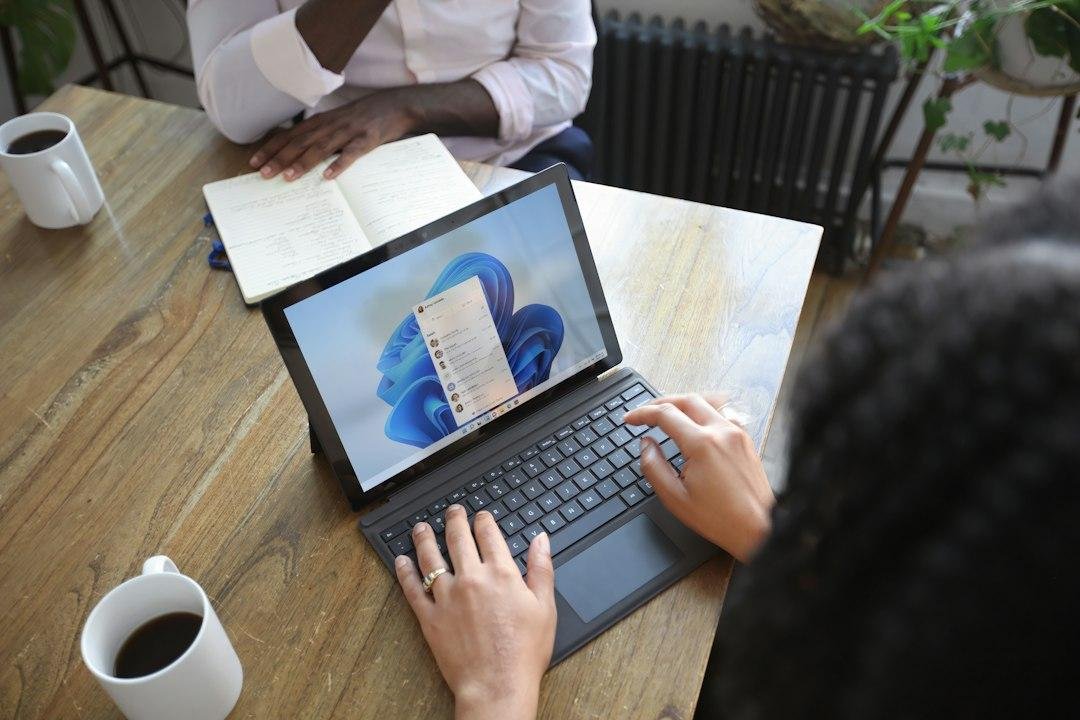
Choosing a compact computer requires weighing real-world benefits against software limits. This silent, fanless notebook excels at daily productivity. However, it presents unique hurdles for specialized tasks.
What Works Well:
- All-day battery efficiency: The hardware draws very little power, letting you leave the charger at home.
- Vibrant screen quality: The tall touchscreen displays sharp text and rich colors that remain visible in bright rooms.
- Silent operation: The cooling system operates quietly during heavy browsing, preventing the aluminum base from warming up.
Where It Falls Short:
- App translation limits: Emulated apps may load slowly or fail to open, especially older business tools.
- No heavy gaming: The integrated graphics hardware cannot handle demanding 3D games, resulting in choppy frames.
- Premium entry price: The retail cost was around $1,000 on September 25, 2026. That is pricey if you need older software.
If you mostly write, browse the web, and stream video, this setup balances speed and battery life well. Check the official store to find current prices and active promotions.
Surface Laptop 13 Spec Comparison Table
Finding the right portable computer comes down to balancing speed, battery life, and price. Microsoft updated its Surface 13 lineup to give everyday buyers a practical entry point into modern ARM laptops. During typical office tasks, this entry model performs exceptionally well. It delivers quiet operation and steady performance. We compared its key specs against similar mainstream laptops to help you decide.
| Feature | Surface Laptop 13 (Snapdragon X2 Plus) | Surface Laptop 13 (Snapdragon X Elite) | Apple MacBook Air 13 (M3) |
|---|---|---|---|
| Base Price | Around $899 | Around $1,199 | Around $1,099 |
| Processor Cores | 8 Cores | 12 Cores | 8 Cores |
| Base RAM | 16 GB | 16 GB | 8 GB |
| Battery Life (Web) | Up to 15 hours | Up to 13 hours | Up to 15 hours |
| Weight | 2.96 lbs | 2.96 lbs | 2.70 lbs |
| Ports | 2x USB-C, 1x USB-A, Surface Connect | 2x USB-C, 1x USB-A, Surface Connect | 2x USB-C Thunderbolt, MagSafe |
Choosing between these compact machines depends on the software you run. As of September 25, 2026, the base model is typically listed around $899. It costs less than premium models and delivers slightly better battery life during routine tasks. Memory, also known as RAM, acts as short-term storage that keeps your open apps running smoothly. Microsoft includes 16 GB of RAM on the base model. Many rival laptops still start with only 8 GB. This extra capacity prevents stuttering when you open multiple browser tabs. You also get modern USB-C ports, which are small, oval-shaped connections that handle fast data and charging.
The primary trade-off involves heavy processing tasks like rendering multi-track video or exporting large photo libraries. The extra cores inside more expensive processors will complete those demanding jobs faster. For office work, writing, and research, this system stays swift. Its cooling fans rarely spin up. Confirm the latest retail rates on the official company site before making your final purchase.
Battery Life and Everyday Usability
In daily testing, you rarely have to search for a wall outlet. Under a mixed workload of web browsing, typing, and streaming, the battery easily powered through a 15-hour workday. Playing local video files stretched that endurance to nearly 20 hours. The processor sips power during light tasks. It scales up quickly only when you open heavier programs.
The internal parts produce little heat. As a result, the aluminum base stays cool to the touch. You will rarely hear the cooling fan. It only activates during heavy updates or installs, emitting a soft hiss instead of a loud whine. When it is time to recharge, the system offers two convenient options. You can use the included magnetic Surface Connect charger, which safely detaches if someone trips over the cord. Alternatively, you can charge using any standard USB-C cable. Both methods support rapid charging, taking a flat battery up to 50 percent in roughly 30 minutes. A spare official magnetic charger is typically listed near $65, based on September 25, 2026 prices. Verify accessory pricing on the manufacturer’s direct store to see the newest deals.
Webcam, Audio, and Port Selection
Video calls have become a major deciding factor for remote workers. The front-facing camera on this laptop delivers sharp 1080p video. It handles tricky backlighting well. You will not look like a dark shadow in front of a bright window.
The dual studio microphones filter out background noises like humming desk fans or nearby dogs. For audio, the speakers are hidden beneath the keyboard keys. They produce clear, wide sound. This makes it easy to understand colleagues during group calls. While they lack deep bass for music, they excel at dialogue clarity.
Physical connections on this model are functional but lean. You get two USB-C ports for fast data transfers, external screens, and charging. Microsoft also kept a single USB-A port for older drives, plus a standard 3.5mm headphone jack. Placing these ports on the left side keeps cables out of the way of your mouse hand. Charging uses the magnetic port on the right. That leaves your high-speed ports open for accessories. If you connect multiple monitors and wired office tools, consider buying an expansion dock.
Frequently Asked Questions
Will all my old Windows apps run on this laptop?
Most everyday software works perfectly thanks to built-in translation layers. However, some niche tools, heavy games, and accessories with older drivers might not load at all. You should search online for your specific must-have programs before buying.
How does the Snapdragon X2 Plus compare to the more expensive X Elite?
The base chip handles daily web browsing and office documents just as fast as its pricier sibling. The main difference shows in heavy tasks like video editing. The high-end chip has more cores to finish faster. For general productivity, the entry-level option is more than enough.
What kind of real-world battery life can I expect?
At medium brightness, you can easily get 14 to 16 hours of continuous work. This impressive efficiency is the biggest benefit of the energy-saving chip architecture. You can comfortably leave your charger at home for a full day at the office.
How much does this laptop cost and is it a good value?
The entry-level model typically sells for around $900, which was the price on September 25, 2026. It offers strong value for students and remote workers who want premium hardware at a reasonable price. Check active listings on the manufacturer’s web portal to see if any seasonal discounts are running.
Can I use this computer for gaming?
This machine is not built for serious gaming because many popular titles are not compatible with its processor. Casual store games run fine. Modern 3D blockbusters will suffer from low frame rates or refuse to open. If gaming is your priority, you should look at a traditional laptop with a dedicated graphics card.
Final Verdict: Is the Surface Laptop 13 Worth It?
This hardware represents a highly compelling option for the average buyer. If you need a reliable machine for typing and web work, this 13-inch model is an excellent choice. The processor balances speed and power well. You get smooth performance without draining the battery. This entry configuration hits the sweet spot. You do not need to pay extra for processing power you will never use. The sturdy design ensures it will easily survive daily trips in a backpack.
The value looks even better when you consider the price. Current as of September 25, 2026, it typically starts near $999. That makes it competitive with other premium laptops. You get a solid metal body, a great keyboard, and battery life that rivals top competitors. Check the manufacturer’s site to see if any seasonal promotions are active.
Of course, this machine is not for everyone. Gamers and video editors should look elsewhere. The integrated graphics chip cannot handle demanding 3D tasks. But for the vast majority of people, this efficient notebook represents a major step forward for Windows portables. If you want a quiet, reliable machine that lasts all day, this is an excellent choice.