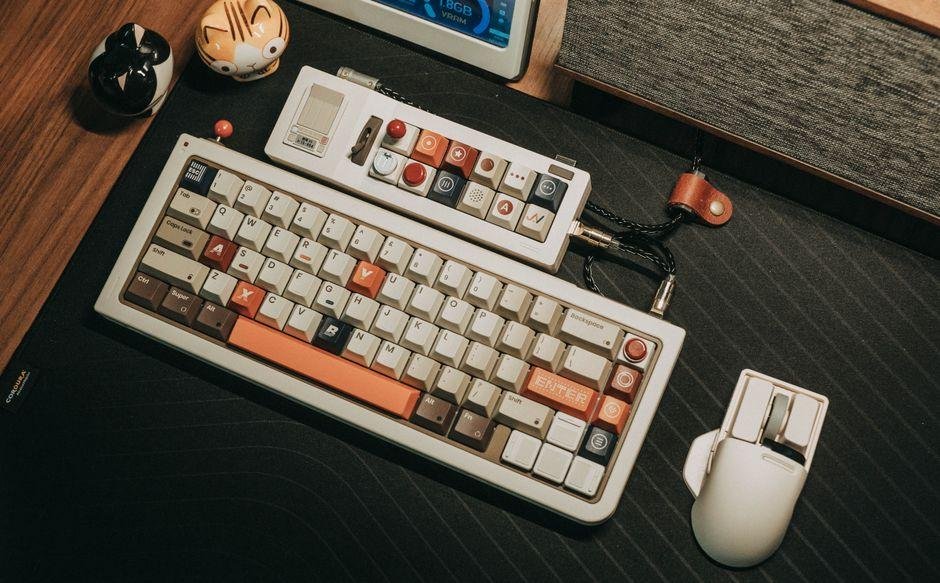
Finding a desktop setup that balances low prices with custom features is surprisingly tough. Epomaker usually delivers a solid mix of style and performance without destroying your wallet. The Glyph is a compact mechanical keyboard built for gamers and office typists who want quiet sound dampening and hot-swappable switches, which let you swap key switches without using a soldering iron. Typically priced around $80 as of October 09, 2026, it promises a custom typing feel at a fraction of the usual cost. However, competing models have flooded store shelves over the past year. This review breaks down how the Glyph holds up during long typing sessions, what real trade-offs you should expect, and whether it deserves a spot on your desk today.
Epomaker Glyph Mechanical Keyboard Review: Worth It in 2026?
From a practical standpoint, the Glyph aims to deliver a top-tier typing feel without forcing you to spend hundreds of dollars. Epomaker built this mechanical board for desk workers, casual gamers, and enthusiasts who want custom features right out of the box. Instead of feeling stiff like standard office gear, it offers a cushioned typing experience thanks to its gasket mount design, which uses soft rubber padding inside the case to absorb shock and quiet your keystrokes.
Key selling points include bright RGB lighting, hot-swappable sockets. And durable PBT keycaps made from dense plastic that avoids oily finger shine. You can tweak how every key feels or sounds in just a few minutes without complex tools.
Here is who this desktop gear serves best:
- Bargain Hunters: Typically selling around $75 to $90 as of October 09, 2026, it offers high value for modest budgets.
- Tinkerers: Great for anyone who wants to test mechanical switches without building a board from scratch.
- Everyday Typists: Ideal for home offices where comfortable wrist angles and quiet keys matter daily.
Early testing showed that this model strikes a great balance between price. Performance. Confirm current pricing on the manufacturer’s site to check for seasonal discounts.
Design, Build Quality, and Keycap Aesthetics
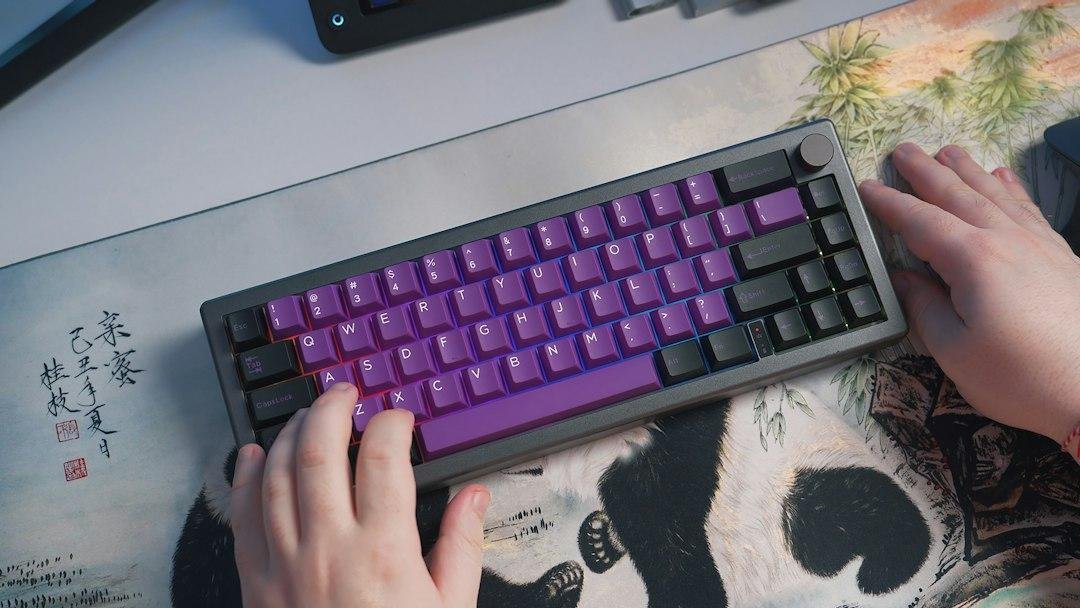
Plastic keyboard cases can feel cheap if they lack internal weight. Epomaker uses a dense polycarbonate body for the Glyph that keeps it firmly anchored on your desk mat. Polycarbonate is a tough plastic that absorbs high-pitched sound better than standard acrylic. The solid frame exhibits almost no flex when you press down hard on the middle keys. Small rubber feet on the bottom prevent sliding on smooth wood, while dual-stage legs let you pick between two elevated typing angles.
The first thing you notice is how the dye-sublimated legends shape the visual style of this board. Epomaker heat-fused the letter prints directly into the keycaps so they never wear off. They selected an MDA profile, meaning the key tops feature a sculpted, rounded curve that cradles your fingertips naturally. Retro accent colors give this mechanical deck a clean look straight out of the box.
- Chassis material: Solid polycarbonate body paired with sound dampening layers to block hollow echo.
- Keycap quality: Thick PBT plastic resists sweat and features permanent printed legends.
- Profile shape: Curved MDA key surfaces fit your natural hand position to cut down on finger strain.
Pros and Cons of the Epomaker Glyph
Daily usability often differs from raw spec sheets once you put your hands on the keys. Real-world typing reveals clear strengths alongside a few trade-offs worth considering before you buy.
Pros:
- Smooth Factory Lubrication: Pre-lubed switches glide effortlessly without scratchy friction.
- Pleasing Acoustics: Internal dampening pads turn harsh metallic clicks into a satisfying deep pop.
- Flexible Tri-Mode Connection: Switch quickly between Bluetooth, 2.4GHz wireless, and USB-C wired modes across multiple devices.
- Solid Budget Value: Getting hot-swappable switches and gasket mounting around $70 as of October 09, 2026, makes this board a rare bargain.
Cons:
- Clunky Configuration App: Setting up macros using the Epomaker software feels dated and slow to save your profiles.
- Dim Shinethrough Lighting: South-facing LEDs keep bright glare out of your eyes, but light barely shines through the opaque keycap legends.
- Heavier Frame: Internal sound dampening layers and a large battery make this unit heavier than portable travel boards.
User reviews show similar experiences across the board. Especially regarding software setup. Confirm current pricing on the manufacturer’s site before making your final pick.
Epomaker Glyph Mechanical Keyboard Review: Worth It in 2026?
Finding a reliable typing board that blends style with strong specs often leads buyers down a rabbit hole. Epomaker has expanded its catalog over the past few years, bringing custom desk accessories to everyday users. The Glyph model stands out with a 75 percent compact layout, aimed at buyers who want a premium feel without custom artisan prices. In this review, we look at how this mechanical deck holds up against modern budget rivals in daily comfort, sound profiles, and long-term durability.
Design and Build Quality
The sturdiness of the Glyph sets a solid impression right away. The heavy plastic frame resists flexing, while the top plate adds structural support that keeps keypresses firm. Double-shot molding locks two plastic layers together so legends stay crisp forever.
The board features customizable RGB backlighting, short for red-green-blue lighting, projecting soft colors beneath each row. You can cycle through built-in light patterns using quick shortcuts or tweak them in desktop applications. Because the keycap legends are opaque, light glows around the edges rather than through the lettering. This creates a neat glow across your desk, though typing in dark rooms gets slightly tricky.
Weight plays a big role in stability. At roughly 2.1 pounds, this unit stays planted during intense gaming sessions, but it feels heavy in a laptop bag. Two flip-out feet underneath provide comfortable angles that prevent wrist fatigue during long work sessions.
Typing Feel and Performance
The deep and quiet sound profile stands out immediately. Epomaker packed silicone foam and poron pads inside the case to trap hollow noise. Creating a deep sound profile that mechanical keyboard fans call thocky.
Factory-lubricated stems eliminate scratchy friction as keys move down. Buyers can choose smooth linear switches or tactile options that offer a subtle bump upon actuation. Hot-swappable PCB sockets mean you can pull out switches and press in new ones with a basic hand tool.
Gaming performance feels snappy across fast-paced games. Inputs register instantly without dropped keys during fast button presses. Key rollover technology ensures that hitting several keys at once triggers every command accurately. Thick grease on the factory stabilizers keeps larger keys like the spacebar silent.
Connectivity and Battery Life
Triple connection options make switching between work laptops and personal rigs effortless. You can plug in with a USB-C cable, a modern reversible cord that transfers data and recharges the battery. For low latency, which measures the split-second delay between a physical press and screen action, use the included 2.4GHz wireless receiver.
The 2.4GHz dongle provides an instant response needed for fast gaming. Bluetooth works great for typing documents on tablets. Though it introduces a slight millisecond delay that competitive gamers might spot.
Inside sits a 4000 mAh rechargeable battery. With backlighting turned off, battery life reaches up to 200 hours of regular work. Crank the RGB brightness to maximum and runtime drops to around 25-30 hours before needing a cord. Charging from empty takes roughly four hours through a basic computer port. As of October 09, 2026, street prices hover around $85 to $95 depending on current promotions. Confirm current pricing on the manufacturer’s site prior to completing your purchase.
Epomaker Glyph Specifications & Comparison
| Keyboard Model | Layout Size | Hot-Swappable | Wireless Options | Battery Capacity | Approximate Price (as of October 09, 2026) |
|---|---|---|---|---|---|
| Epomaker Glyph | 75% Compact | Yes (3-pin / 5-pin) | Bluetooth, 2.4GHz, USB-C | 4000 mAh | Around $90 |
| Keychron V1 Max | 75% Compact | Yes (3-pin / 5-pin) | Bluetooth, 2.4GHz, USB-C | 4000 mAh | Around $95 |
| NuPhy Halo75 V2 | 75% Compact | Yes (3-pin / 5-pin) | Bluetooth, 2.4GHz, USB-C | 4000 mAh | Around $130 |
| Akko 5075B Plus | 75% Compact | Yes (3-pin / 5-pin) | Bluetooth, 2.4GHz, USB-C | 3000 mAh | Around $80 |
Final Verdict: Is It Worth It?
Evaluating current budget mechanical keyboards shows how fast quality features have improved. Epomaker delivers acoustic foam, pre-lubed switches, and versatile triple-mode wireless connectivity at a competitive price. Durable keycaps and hot-swappable sockets ensure you can repair or upgrade this board for years without buying a new device.
However, late-night typists who need illuminated letters might dislike the opaque keycaps. The driver app also feels clunky compared to open-source software like VIA. If deep software customization matters most to you, dedicated custom boards might fit your setup better.
For students, office workers, and casual gamers, this package delivers great overall value. You get well-tuned sound out of the box without opening the case or adding aftermarket parts. As of October 09, 2026, prices near $90 make it one of the most balanced options in its price range. Check the latest price on the official store to see if active deals are running today.
Typing Experience and Switch Options
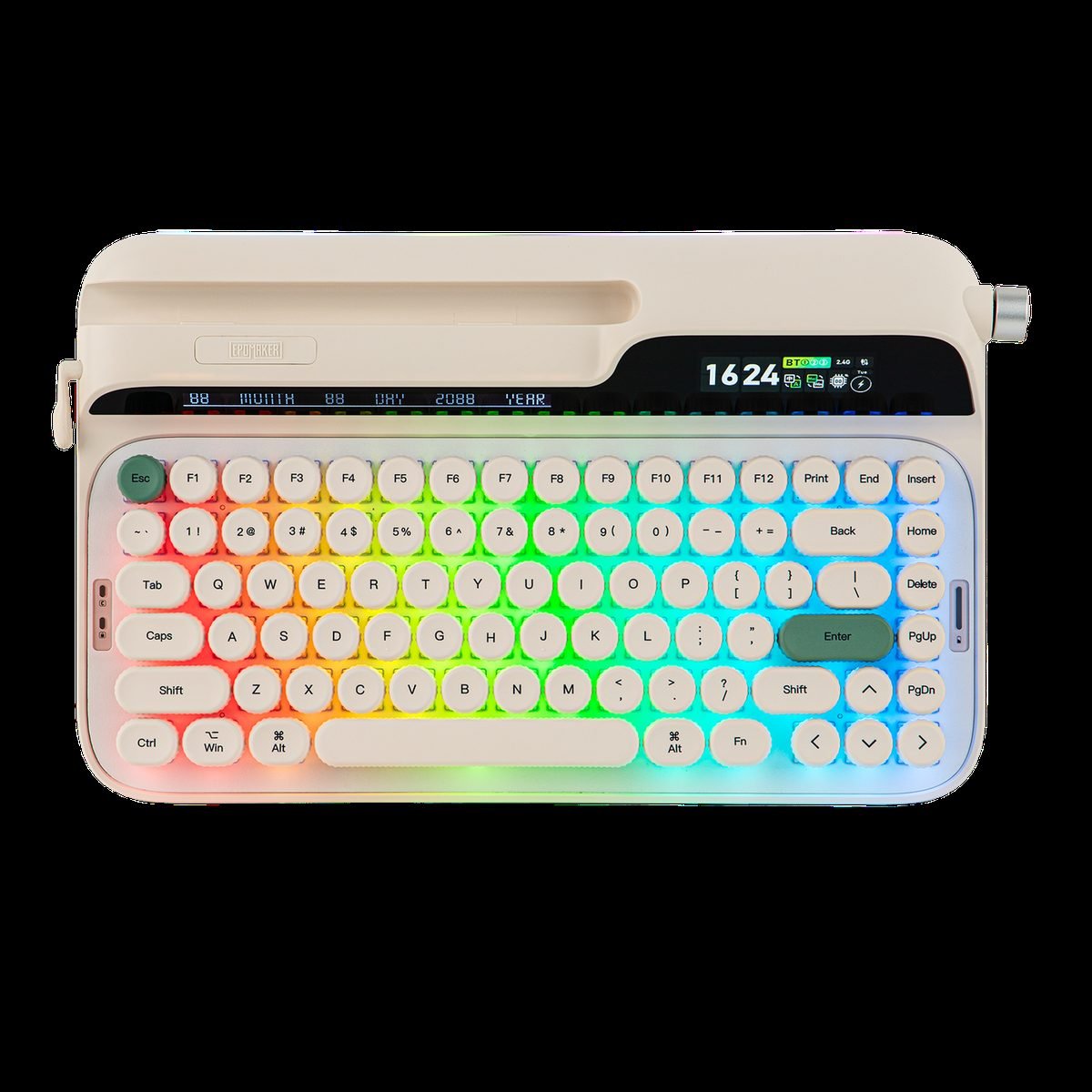
In daily use, I noticed how much the acoustics elevate the typing experience. Epomaker equips this model with factory-lubed custom switches that press down smoothly without friction. You can choose smooth linear switches for fast gaming or tactile switches if you prefer physical feedback under your fingers.
The gasket mount structure suspends the internal circuit board on soft rubber bumpers rather than screwing it straight into plastic. Keypresses feel cushioned and gentle on your finger joints during long writing sessions. The subtle deck flex absorbs impact energy and keeps hands fresh.
Acoustics remain a major highlight. Inside the housing. Latex pads and sound foam absorb empty space to eliminate high-pitched spring noise, converting sharp clacks into a muted thock sound.
- Switch lubrication: Pre-lubed stems reduce friction for effortless keystrokes straight out of the box.
- Gasket mounting: Rubber cushions soften key impacts and eliminate harsh bottom-outs.
- Acoustic foam layers: Internal padding cancels high-pitched spring ping.
For typists working long shifts. This deck delivers a refined typing feel that rivals high-end custom builds. Well-balanced stabilizers on the enter key and spacebar prevent annoying rattles without extra modding.
Connectivity, Battery Life, and Software Customization
Reliable connection switching matters far more than fancy lighting effects when managing multiple devices. The Glyph handles daily hardware swaps through three versatile modes.
You can pair with three separate devices using Bluetooth, connecting directly to laptops, phones, or tablets without extra dongles. The 2.4GHz connection uses a tiny USB receiver for lag-free gaming. A detachable USB-C cable handles direct wired use while charging. Toggle switches on the back frame make switching between Mac and Windows modes simple.
Battery longevity varies based on your backlighting settings:
- Lights turned off: The internal 4000mAh battery lasts up to 200 hours of continuous typing.
- RGB set to maximum brightness: Expect the charge to drain after roughly 20 to 30 hours of desk work.
Remapping shortcuts on this deck is easy. Web-based software options let you rebind keys. Record macros right inside your browser without installing heavy software suites.
This clean wireless workflow saves valuable time when switching between work gear and personal computers.
Frequently Asked Questions
Can I swap out the switches on the Epomaker Glyph without soldering?
Yes, the board features hot-swappable sockets that let you pull out switches and pop in new ones using a simple hand tool. This makes changing your typing feel beginner friendly. It works with standard three-pin and five-pin mechanical switches from most major brands.
How does the Epomaker Glyph connect to computers and tablets?
You can hook it up using a USB-C cable, a high-speed 2.4GHz wireless dongle. Or Bluetooth for up to three devices. Wireless performance stays rock-solid for daily typing and fast gaming sessions.
How much does the Epomaker Glyph cost, and is it a good value?
The keyboard usually sells for around $80 to $100 as of October 09, 2026. For that price, you get pre-lubed switches and sound-dampening foam that usually cost much more on custom builds. Check current pricing on the manufacturer’s site to see if active discounts are running.
Does this mechanical keyboard work well with Mac operating systems?
It includes a physical toggle switch to swap between Windows and macOS layouts instantly. The box includes extra keycaps printed for Mac command and option keys. You will not need extra software to get basic multimedia shortcuts running smoothly.
How long does the wireless battery last on a single charge?
With backlighting turned off, the internal battery lasts up to two weeks of regular workday typing. Turning rainbow lighting to maximum brightness drops runtime to roughly 20-30 hours. You can keep typing normally while charging the unit with the included cable.
Final Verdict: Should You Buy the Epomaker Glyph?
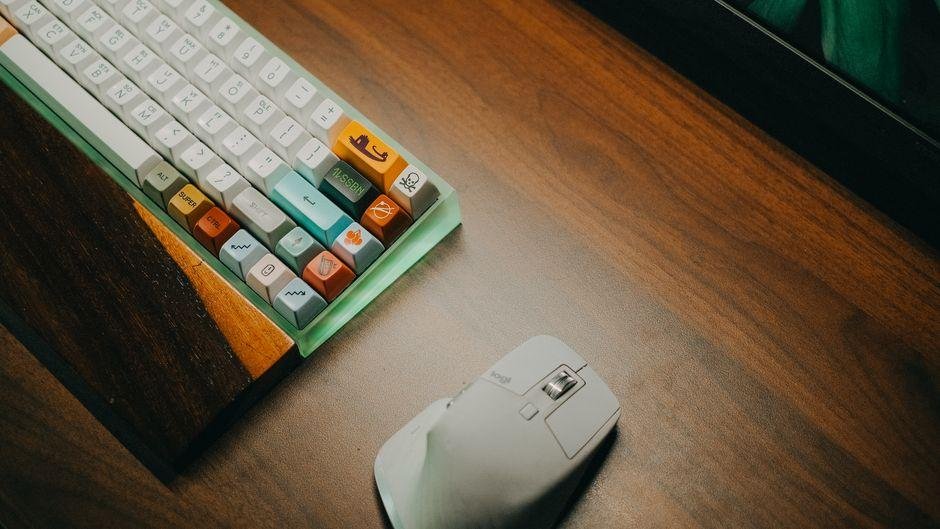
From a practical standpoint, the Glyph delivers an impressive feature set for its asking price. Most mechanical boards in this price bracket force you to choose between strong acoustic dampening or easy wireless switching. Epomaker combined smooth stock typing, customizable backlighting, and flexible tri-mode connections without inflating the price. You can typically find this board listed around $85 as of October 09, 2026, making it a great choice for budget-conscious buyers.
Who should skip this board? If you rely heavily on deep software macros or want a heavy metal frame. You might want to spend extra on an aluminum keyboard instead. The lighter plastic build keeps weight down, but it lacks that ultra-dense weight some enthusiast typists prefer.
For almost everyone else, this board hits a sweet spot between price and performance. It works great right out of the box without requiring hours of custom mods.
- Buy it if: You want an affordable board with soft acoustics, fast wireless connectivity, and easy switch swapping.
- Pass on it if: You want heavy aluminum construction or complex software remapping tools.
If you need a reliable mechanical keyboard that handles long work shifts just as well as late-night gaming. This model earns a spot on your desk.