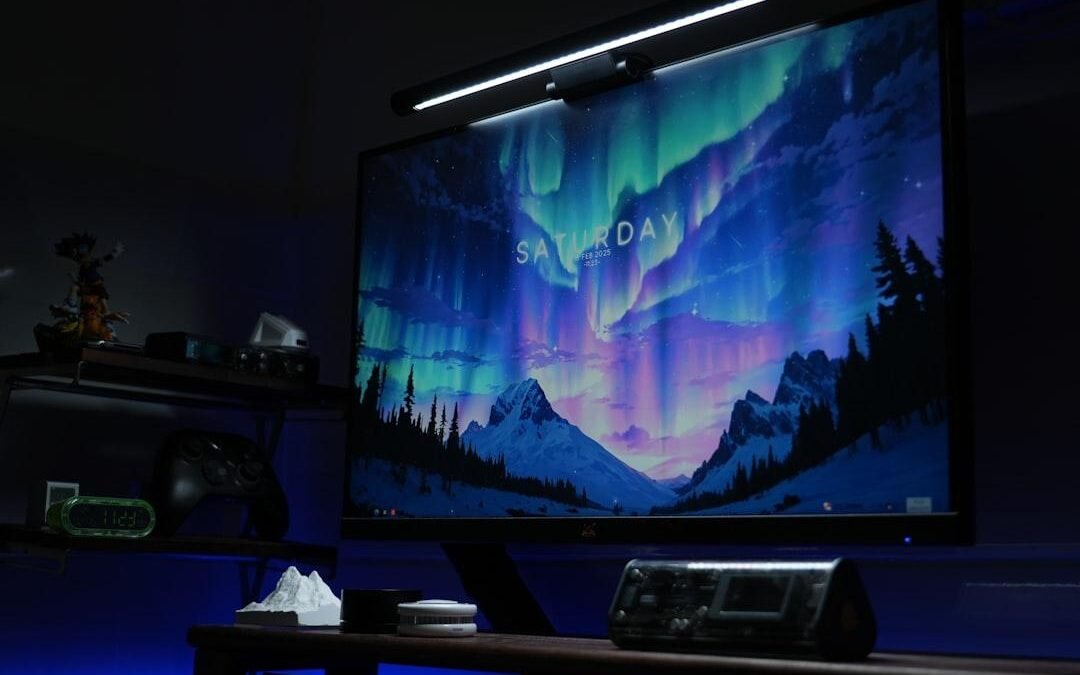
Working late at a clean desk gets tricky when your computer screen reflects every bulb in the room. Standard desk lamps clutter your workspace and cast an annoying glare directly onto your display panel. That is where a specialized monitor light bar comes in handy. The BenQ ScreenBar series popularised this category, but mounting one on a slim Apple desktop with a curved back or thin top bezel presents unique challenges. BenQ redesigned its fixture specifically to rest safely on these sleek aluminum frames without blocking your webcam or scratching the glass. Selling for around $110 as of August 26, 2026, this accessory aims to fix your late-night lighting without stealing any physical desk space.
Overview: BenQ ScreenBar Light Bar for iMac
Traditional lamps sit off to one side and leave half your desk in shadow. Others bounce harsh reflections off glossy display panels straight into your eyes. A dedicated monitor light bar solves this problem by resting directly above your screen, projecting bright light down onto your work surface.
Apple displays present a unique design challenge. Ultra-thin glass edges and rounded rear metal shells make generic clip-on lights slip or wobble. BenQ solved this by crafting a custom attachment bracket engineered for Apple hardware. This mounting system balances securely on the top edge. It holds the bar firmly in place without squeezing delicate internal parts or putting pressure on the display glass.
What sets this unit apart is its specialized lens layout. Instead of spreading rays everywhere, the optical system directs light down and forward toward your keyboard. The beam bypasses the glass panel entirely. You get bright, even light across your desk while keeping screen glare at zero. For anyone typing documents, checking paperwork, or editing photos late into the evening, this compact setup turns a dim desk into a comfortable, well-lit workstation.
iMac Compatibility and Custom Mounting Solutions
Apple desktops present a tough design challenge for lighting gear. Older Intel models feature a deep curve along the back housing. Newer M-series displays are completely flat and barely thicker than a smartphone. Standard spring clamps wobble on curved metal or block screen content on narrow borders. BenQ fixes this with a gravity counterweight system engineered for these specific screen shapes.
The heavy rear sphere acts as a natural balance point. Instead of pinching the glass, the light mount rests gently on top of the frame. Key structural features include:
- Tapered Back Support: A flexible rear foot adjusts its angle automatically to match the steep curve of older 21.5-inch and 27-inch aluminum bodies without slipping off.
- Specialized Adapter Pad: The box includes a custom foam insert designed for flat 24-inch Apple Silicon models, ensuring a snug fit.
- Zero Bezel Intrusion: The front lip extends downward just enough to hook the top rim, keeping your webcam and light sensors uncovered.
- Protective Padding: Soft rubber covers every contact point to prevent scuffs on the anodized finish or glass edge.
In daily use, I noticed the weighted sphere holds the fixture stable even when tilting the screen or raising a standing desk. Setup takes under two minutes without tools, sticky tape, or complex clips.
Pros and Cons of Using BenQ ScreenBar on iMac
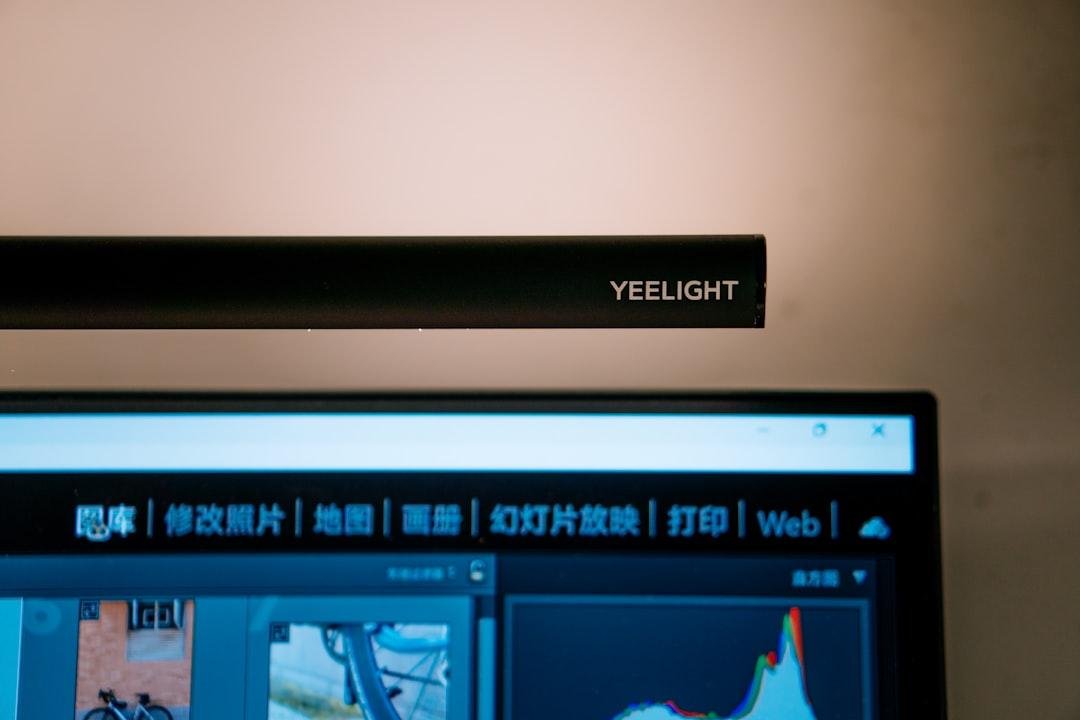
Adding a dedicated screen light to your setup offers immediate ergonomic benefits, though it also comes with a few trade-offs.
The Pros:
- Reclaims Desk Space: Resting the fixture on top of your monitor eliminates bulky lamp bases completely.
- Zero Screen Glare: The angled beam aims light down at your desk surface rather than bouncing off the glossy display.
- Automatic Dimming: An integrated ambient sensor measures room light and adjusts output instantly for optimal comfort.
- Color Temperature Control: You can quickly shift between warm amber light for evening relaxation and cool white for focused focus hours.
The Cons:
- Premium Cost: With street prices around $110 as of August 26, 2026, it costs more than basic desk lamps. Confirm current pricing on the manufacturer’s site before buying.
- Consumes a Port: The light draws power through a USB connection, using one of the few rear ports unless you connect a separate wall brick.
- Webcam Space Limits: Centered external webcams might clash with the middle mounting bracket.
If you want a sleek, glare-free lamp that keeps your workspace tidy, this model offers outstanding quality despite the higher price tag.
BenQ ScreenBar vs Alternatives Comparison Table
Finding the right monitor light depends on your lighting needs and budget. Cheaper alternatives exist, but higher-end light bars offer superior color accuracy and specialized mounting hardware. Color accuracy is measured in CRI (Color Rendering Index, a rating scale showing how truthfully a light source reveals true object colors).
| Model | iMac Fit & Mount | Control Type | Color Quality (CRI) | Price Range |
|---|---|---|---|---|
| BenQ ScreenBar Halo | Includes special iMac clip accessory | Wireless dial puck | 95 CRI (Very high) | Around $180 as of August 26, 2026 |
| BenQ ScreenBar Plus | Fits standard monitor top | Wired desktop dial | 95 CRI (Very high) | Typically $130 as of August 26, 2026 |
| Quntis Light Bar Pro | Weighted clip for flat displays | Touch controls on bar | 90 CRI (Good) | Often listed near $40 as of August 26, 2026 |
| Baseus i-Wok Display Bar | Spring clip mount | Touch controls on bar | 80 CRI (Basic) | Around $30 as of August 26, 2026 |
Choosing between these models comes down to performance expectations. Premium BenQ units stand out for Apple users because the custom mount prevents screen pressure. High CRI ratings ensure true color representation, which helps prevent eye fatigue during long sessions. Budget choices work fine for typing, but lower CRI scores can make text look harsh at night. Confirm current pricing on the manufacturer’s site before picking a model.
Key Features and Lighting Performance
The standout tech in this fixture is its specialized optical reflector. Standard lamps radiate light evenly in all directions, which creates blinding reflections on glass displays. The angled reflector directs every light ray downward at a precise angle, illuminating your desk surface without spilling onto the monitor.
Another core feature is the automatic brightness sensor. When you enable auto-dimming mode, the light measures ambient room brightness and adjusts itself to maintain 500 lux (a measurement unit for light intensity on a surface). As daylight fades, the system brightens automatically so your eyes stay relaxed.
You can also adjust color temperature across a range of 2700K to 6500K. Color temperature uses Kelvin (a temperature scale for describing light appearance from warm yellow to cool white).
After spending a week with this light, I found that switching to a warm 2700K tint after sunset noticeably reduced eye strain during late editing sessions.
- Angled Reflector: Eliminates display reflections by directing light solely toward the desk.
- Smart Sensor: Maintains a balanced 500 lux target throughout changing room conditions.
- Adjustable Tint: Transitions smoothly from warm evening light to crisp daytime tones.
Setup Guide: Installing on Thin iMac Bezels
Setting up this light on a thin Apple display takes less than five minutes. Follow these simple steps for optimal placement:
- Step 1: Position the counterweight mount. Open the rear weight arm and place the padded front lip on top of your display frame. Gravity holds the balance without squeezing the glass panel.
- Step 2: Secure the light bar. Press the light tube into the circular bracket until it snaps in place. Twist the barrel slightly toward your desk so the beam points down.
- Step 3: Route the power cable. Attach the cable to the rear port of the light tube. Feed the cord down along the back of the aluminum display stand to keep your desk clean.
- Step 4: Plug into power. Insert the USB plug into an available port on your machine or an external power brick. If your desktop only has USB-C (small oval ports that transfer power and data), use a basic adapter.
Check that the padded counterweight rests flat against the rear metal housing before powering on the fixture.
Frequently Asked Questions
Will the BenQ light bar fit properly on a slim iMac display?
Yes, the custom bracket balances securely on thin frames without covering the webcam. The rear counterweight holds the fixture in place without squeezing the glass panel. It stays stable even if you bump your desk.
Does the monitor lamp reflect off the glass screen?
The specialized reflector channels light down onto your work surface instead of onto the display. This angled beam prevents screen glare, keeping your image crisp while fully illuminating your keyboard and paperwork.
How is the light bar powered on an Apple desktop setup?
The fixture connects via an included cable directly to a rear port on your computer. You can also use a USB wall charger to save computer ports. The unit powers on automatically when your screen wakes up.
Is the light bar bright enough for nighttime reading?
The lamp offers plenty of illumination with full brightness control. The warm amber mode creates a gentle glow for late-night reading, while higher settings provide crisp light for detailed tasks.
How much does the BenQ monitor lamp cost?
This model typically sells for around $110 to $130, with prices current as of August 26, 2026. Confirm current pricing on the manufacturer’s site before buying to catch potential discounts.
Final Verdict: Should You Buy It for Your iMac?
The BenQ ScreenBar remains a standout upgrade for lighting up an Apple workstation. If you spend long hours typing, reading, or editing, its glare-free illumination reduces eye fatigue significantly while keeping your desk completely uncluttered.
You should buy this light bar if you want automatic brightness adjustments and a clean workspace without traditional lamp bases. Pricing typically ranges from $110 to $130 as of August 26, 2026. While more expensive than standard desk lamps, the space savings and eye comfort make it a great investment for power users.
Skip this setup if you rely on top-mounted webcams that need center space above the screen. For most Apple desktop users, this sleek monitor light delivers excellent daily utility and polished design.
- Best for: Users who work late hours and want clean desk lighting without screen glare.
- Skip if: You are on a tight budget or rely on thick top-mounted webcams.
- Overall Rating: 4.5 / 5 Stars