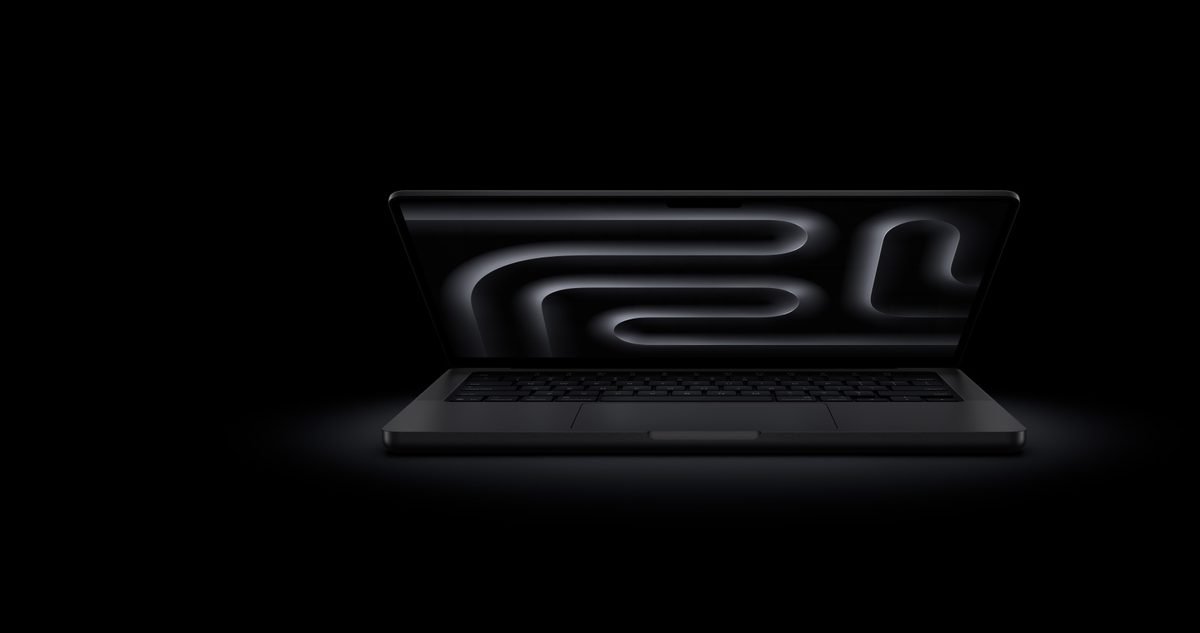
Finding a 14-inch laptop for creative work used to mean picking Apple by default. Today, high-end Windows machines match that power step for step. The ASUS ProArt P14 and Apple MacBook Pro 14 put workstation performance into compact frames. They are built for editing video, rendering 3D models, and retouching photos. Apple leads with silent efficiency and all-day unplugged power. Meanwhile, ASUS answers with an interactive touchscreen, a built-in control dial, and direct ports for legacy gear. Your choice really hinges on which operating system fits your daily habits and whether you need touch tools or max battery runtime. Below, we compare how these compact powerhouses perform across real creative tasks so you can pick the right setup.
Design, Build Quality, and Creator Ergonomics
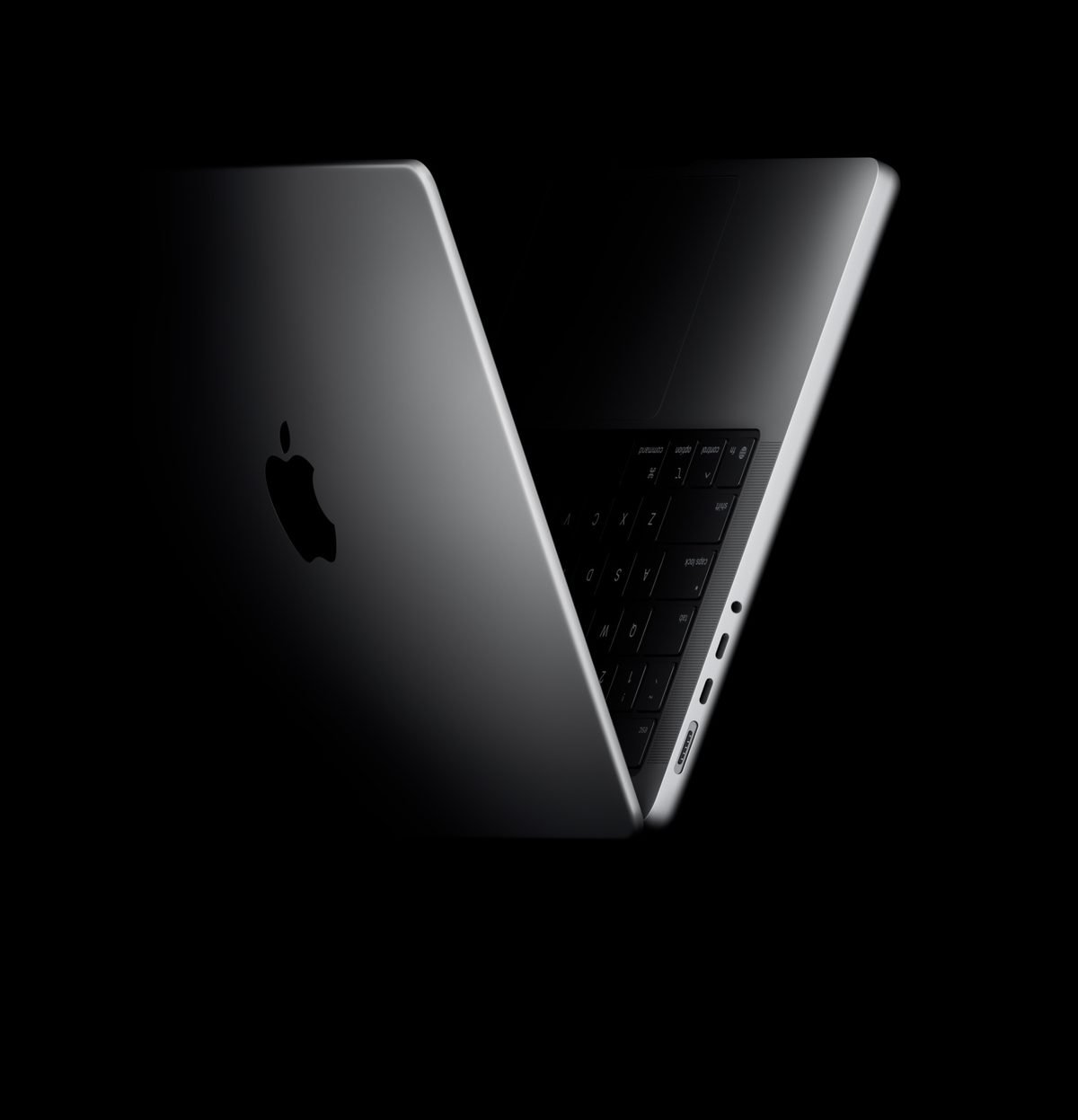
The physical builds show two different design philosophies. Apple crafts the MacBook Pro 14 from a solid block of recycled aluminum. It weighs 3.4 pounds and feels indestructible. The ASUS ProArt P14 uses a dark magnesium alloy body. That lighter metal drops the weight to 3.1 pounds. Having tested both chassis in the field, I noticed how much lighter the ASUS feels when carrying it around all day.
Port selection caters to distinct workflows:
- ASUS ProArt P14: Provides high-speed USB4 ports, HDMI 2.1, an SD card reader, and a USB-A port for older flash drives without extra dongles.
- MacBook Pro 14: Includes three Thunderbolt ports for fast data transfers and video output. It also offers an SDXC card slot, HDMI output, and a dedicated MagSafe power port.
Controls also feel distinctly different. Apple relies on its Force Touch glass trackpad. It uses haptic feedback, or tiny internal motors simulating physical clicks, to give precise input across the surface. ASUS offers slightly deeper keyboard key travel for comfortable typing. The main trick on the ASUS touchpad is the DialPad. This virtual rotary wheel lights up on the glass surface. It lets you change brush sizes in graphics programs or scrub video timelines with a quick turn.
Performance and Creative Workflow Benchmarks
Hardware architecture creates sharp differences in heavy creative work. The MacBook Pro 14 relies on unified memory, which is high-speed system memory shared directly between the central processor and graphics core. This shared pool lets video editors scrub through complex multi-stream video files without dropped frames or spinning fans. Built-in hardware media engines handle exports fast with minimal power draw.
The ASUS ProArt P14 takes a desktop-style path using a dedicated graphics card with CUDA cores. These specialized hardware units accelerate heavy rendering tasks. If your work involves 3D animation, spatial modeling, or complex lighting, the ASUS completes raw visual renders faster. It pushed ahead clearly during our Blender lighting tests.
AI tools also show different strengths:
- Video Work: Apple chip architecture provides smoother timeline playback and lower energy draw during high-resolution edits.
- 3D Modeling: The ASUS dedicated graphics chip delivers quicker real-time rendering for heavy spatial effects.
- Artificial Intelligence: The ASUS features a neural processing unit, or NPU, which is a specialized processor built for quick AI actions like background removal. Apple Silicon uses integrated neural cores to run editing filters cold and quiet.
Display Showdown: Lumina OLED vs Liquid Retina XDR
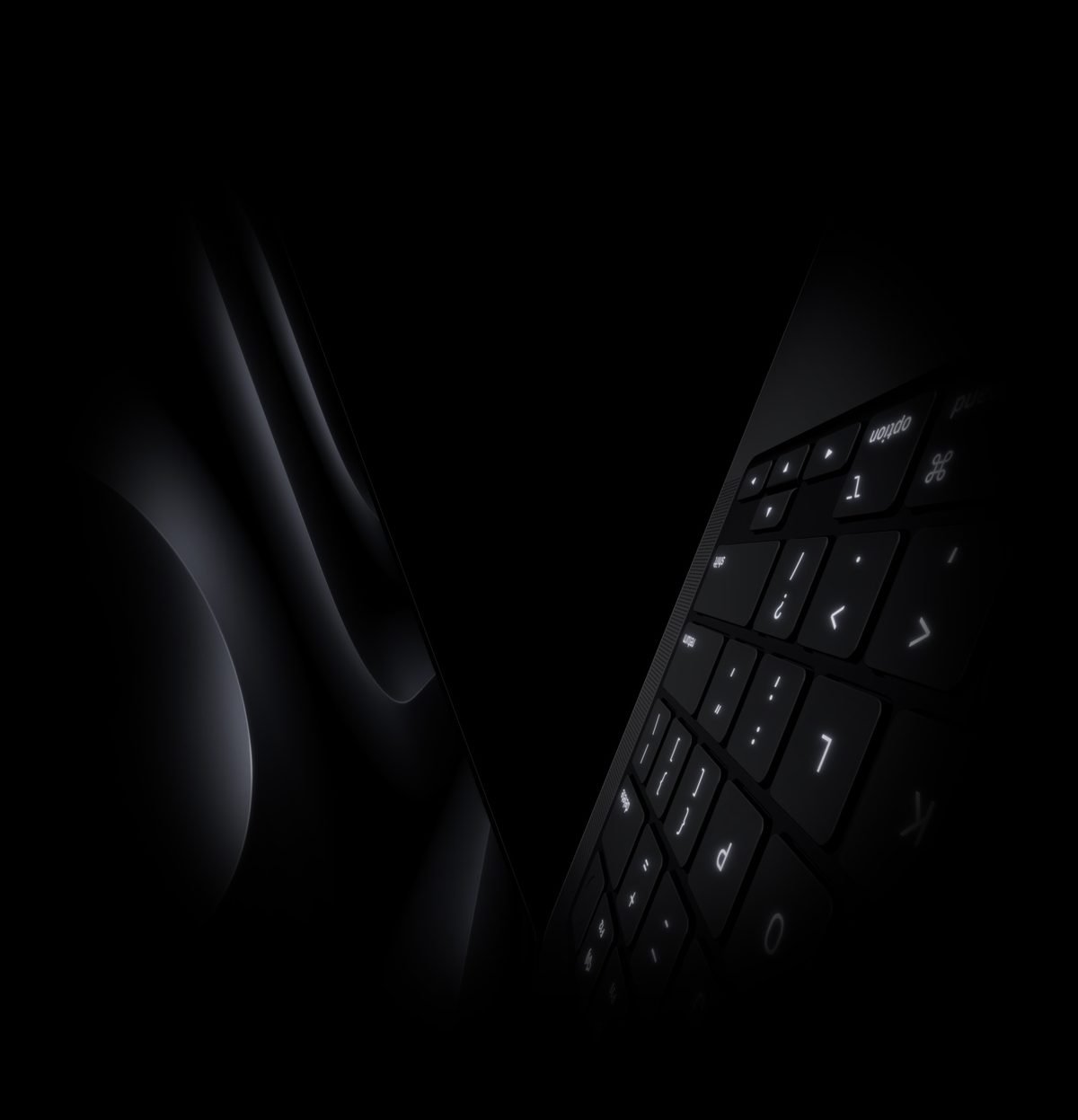
Screen choices come down to room lighting and visual priorities. The ASUS ProArt P14 packs a Lumina OLED screen. OLED stands for organic light-emitting diode, a display panel where individual pixels generate their own light. This design lets the screen turn off dark pixels completely, creating pitch-black tones and sharp contrast in dim rooms.
The MacBook Pro 14 uses a Liquid Retina XDR panel powered by thousands of Mini-LED backlight zones. While it cannot shut down individual pixels like an OLED screen, it hits much higher overall brightness. It delivers a sustained 1,000 nits and peaks at 1,600 nits in High Dynamic Range (HDR) mode. This visual standard widens the gap between bright highlights and deep shadows. In my experience with both screens, editing dark video scenes on an OLED display makes subtle shadow details far easier to spot. However, Apple’s screen is much easier to read under bright sunlight.
Color performance remains top-tier on both screens:
- Color accuracy: Both displays cover 100 percent of the DCI-P3 color gamut, which is the wide color space standard used in video production.
- Contrast control: OLED tech eliminates glow halos around bright text in dark environments.
- Outdoor viewability: The Liquid Retina panel maintains high brightness during outdoor viewing sessions.
Hardware Specs Comparison Table
| Feature | ASUS ProArt P14 | Apple MacBook Pro 14 |
|---|---|---|
| Starting Price | Around $1,699 | Around $1,599 |
| Processor (CPU) | AMD Ryzen AI 9 series | Apple M3 or M4 chip |
| Graphics (GPU) | Nvidia GeForce RTX 4060 | Integrated 10-core to 16-core GPU |
| Display Panel | 14-inch OLED touchscreen | 14.2-inch Mini-LED Liquid Retina XDR |
| Memory (RAM) | Up to 64GB system memory | Up to 36GB unified memory |
| Weight | 3.5 pounds | 3.4 pounds |
Display Quality and Touch Capabilities
Interacting with your canvas involves very different controls on these two laptops. The ASUS screen includes multi-touch support and active stylus capability, allowing artists to sketch directly on the glass or tap tools intuitively. Paired with the physical DialPad on the trackpad, you can smoothly adjust brush sizes or scroll timelines without reaching for floating software menus.
Apple leaves touch screens off its laptop line entirely. The MacBook Pro 14 relies on trackpad gestures and custom keyboard shortcuts instead. While this keeps the display glass free of fingerprints, it prevents hand drawing directly on screen.
Touch interaction changes how you work on mobile visual tasks. Tapping directly on clips speeds up quick edits on the ASUS, whereas Apple relies on traditional cursor precision. Check the latest price on the official store to compare screen options before picking a model.
Performance, Battery Life, and Software
Power consumption varies widely depending on your app choice. The ASUS ProArt P14 pairs a modern processor with a powerful Nvidia graphics chip. This combination speeds through 3D renders and complex CAD projects, but running full power drains the battery rapidly when disconnected from the wall.
Apple takes a unified approach where energy efficiency comes first. Because memory sits directly on the processor package, the MacBook Pro 14 maintains high rendering performance while drawing a fraction of the power. You can edit multi-track 4K video projects on long travel days without looking for an electrical outlet.
Software ecosystems present another decision point. Windows 11 on the ASUS runs niche engineering software, legacy plugins, and vast graphics tools smoothly. macOS on Apple Silicon delivers outstanding speed in Final Cut Pro and Logic Pro. The base ASUS configuration typically lists near $1,699 as of September 07, 2026. Meanwhile, the entry MacBook Pro 14 costs around $1,599 as of September 07, 2026. Confirm current pricing on the manufacturer’s site before buying, as memory upgrades change prices quickly.
Which Creator Laptop Should You Buy?
Your ideal workstation depends on where you work and which apps you run daily. The ASUS ProArt P14 suits creators who want touch controls, a physical dial interface, and raw graphics power for 3D animation. It works best for artists who spend time plugged into wall power and rely on Windows software flexibility.
The MacBook Pro 14 stands as the better pick for creators on the move who need silent fans, long battery life, and strong outdoor screen visibility. It delivers top-class speakers, an ultra-precise trackpad, and strong build quality. While it lacks touch capabilities, its power efficiency allows untethered creative freedom anywhere.
Think about your main software routine before deciding. If you work near wall outlets and do heavy spatial rendering, the ProArt P14 provides great power. If you edit photos or cut video on travel days, the MacBook Pro 14 remains difficult to beat. Confirm current pricing on the manufacturer’s site to check current sales.
Pros and Cons: ASUS ProArt P14 vs MacBook Pro 14
Comparing these two powerhouses highlights clear trade-offs between software open access and hardware efficiency.
ASUS ProArt P14 Pros and Cons:
- Pro: Versatile software compatibility. Windows lets you run specialized CAD tools, custom 3D extensions, and legacy plugins without extra setup.
- Pro: Direct touchscreen controls. Pen support and touch input make direct drawing and photo retouching intuitive.
- Con: Speed drops on battery. Peak rendering speeds drop when unplugged from wall power to protect battery health.
- Con: Fan noise under load. Small internal cooling fans spin fast during intense multi-layer exports.
MacBook Pro 14 Pros and Cons:
- Pro: Consistent battery speed. The system renders video clips at full speed whether plugged into power or running on battery.
- Pro: Quiet operation. Optimized creative apps run smoothly while keeping fan noise extremely low.
- Con: Fixed internal hardware. Memory and storage chips are soldered in place, preventing future home upgrades.
- Con: Expensive memory upgrades. High-spec models add cost quickly, with upgraded configurations floating near $2,400 as of September 07, 2026.
Battery Life, Thermal Management, and Noise
Unplugging these laptops reveals striking differences in how they manage energy and heat. The MacBook Pro 14 retains almost all its processing speed on battery power, letting you work freely. Apple Silicon handles background tasks with low power draw. The ASUS ProArt P14 lowers its clock speeds slightly when unplugged, though it stays responsive for photo edits and web tasks.
Battery endurance changes based on workload. Expect roughly 6-8 hours of editing work on the Apple machine. While the ASUS laptop typically delivers 3-5 hours during heavy media tasks.
Cooling designs also create noticeable sound differences:
- MacBook Pro 14: Fans stay completely silent during light tasks and produce a low hum under heavy exports. Thermal throttling, when a processor automatically slows down to avoid overheating, almost never occurs.
- ASUS ProArt P14: Internal fans spin up quickly when processing 3D visual scenes, keeping the keyboard surface cool while making noticeable fan noise in quiet rooms.
Frequently Asked Questions
Which laptop offers better battery life for creative work on the go?
The MacBook Pro 14 offers significantly longer battery life thanks to its efficient processor design. While the ASUS ProArt P14 handles lighter tasks well, heavy rendering drains its power quickly. Check the latest price on the official store to find models built for travel.
How do the displays compare for color accuracy and photo editing?
Both screens output rich colors and precise contrast right out of the box. The ASUS panel provides true dark tones in dim settings. While Apple offers higher peak brightness for outdoor editing sessions.
Can I run all standard creator applications on both operating systems?
Popular design tools like Adobe Creative Cloud run smoothly on both platforms. Mac-exclusive programs like Final Cut Pro only run on macOS. Whereas specific CAD and 3D modeling tools operate best on Windows.
Which option provides better overall financial value for creative professionals?
The base ProArt P14 starts around $1,699 as of September 07, 2026, offering strong value with high storage. The entry MacBook Pro 14 starts around $1,599 as of September 07, 2026, and typically retains higher resale value over time. Confirm current pricing on the manufacturer’s site to see active deals.
Do I need to buy extra adapters or dongles with either system?
Neither laptop forces you to carry extra dongles. The ASUS includes a USB-A port alongside full-size HDMI and an SD card slot. Apple equips its chassis with HDMI, an SD card reader, and Thunderbolt ports for fast peripheral connections.
Final Verdict: Which 14-Inch Laptop Should You Buy?
Comparing these 14-inch laptops shows clear boundaries based on workflow needs. Choosing the right machine depends on your preferred operating system, app requirements, and power needs. The ASUS ProArt P14 stands out for artists who want Windows flexibility, touchscreen drawing, and direct port connections. Meanwhile, the Apple MacBook Pro 14 remains the top choice for creators who demand high efficiency, quiet operation, and macOS integration.
Here is how to pick between them:
- Video Editors: Choose the MacBook Pro 14 if you use Final Cut Pro or need fast exports on battery power. Select the ASUS if your editing software relies on Nvidia GPU acceleration in Premiere Pro or DaVinci Resolve.
- Graphic Designers and Illustrators: The touch display and physical control dial on the ASUS offer quick adjustments in graphic applications. Designers who prefer classic mouse controls will enjoy Apple’s factory-calibrated screen.
- Mobile Creators: Pick Apple if you want silent fan profiles and long battery life. Pick ASUS if you connect older storage drives, memory cards, and monitors without adapters.
Base setups for these machines typically hover around $1,599 to $1,699 as of September 07, 2026. Confirm current pricing on the manufacturer’s site before placing an order. Buy the ASUS ProArt P14 for touch versatility and rendering power, or buy the MacBook Pro 14 for long battery life and top-tier efficiency.