
Google refined the shape of its main phone this year. It feels balanced during long typing sessions. The new Tensor G6 chip handles daily tasks and smart features with ease. The screen stays easy to see under bright midday sunlight. Battery life easily lasts past a full day of heavy use. The base model typically starts around $799 as of September 26, 2026. You get refined camera sensors, fast charging, and long software support. If you use a three-year-old phone, you will notice big gains. You get faster daily speed, longer battery life, and sharper photos. This review breaks down key features, trade-offs, and test results to help you choose the right model.
Google Pixel 11 Overview: What’s New in 2026?
Google built the Pixel 11 for everyday shoppers. You get fast performance without paying steep premium prices. That price includes key hardware updates over older models.
The custom Tensor G6 processor handles smart tasks directly on your phone. It keeps your private data safe off cloud servers. Voice dictation works faster, and photo edits finish almost instantly. Up front, the screen hits 2,700 nits (a unit measuring display brightness). That extra brightness keeps texts easy to read in harsh sunlight.
Here are the key hardware upgrades included in the standard model:
- Tensor G6 silicon: Processes artificial intelligence features directly on your phone for faster response times.
- Brighter OLED screen: Uses organic light-emitting diodes to create deep black levels and vivid colors.
- Modern connectivity: Charges through USB-C, the standard universal connector found on modern electronics.
- Seven years of support: Delivers long-term value through full operating system and security updates into 2033.
Older phones feel sluggish when opening large apps or camera files. Upgrading brings instant gains to daily navigation and voice commands. Check current prices on the maker’s site before you order.
Design, Display, and Build Quality Refinements
The phone stayed surprisingly cool during GPS navigation on hot days. Google curved the side frames slightly. This design removes the sharp corners from earlier models. The back glass uses a smooth matte finish. It blocks greasy finger smudges and gives you a firm grip.
Screen quality takes a major leap forward. A dynamic refresh rate adjusts between 1 Hz and 120 Hz depending on your activity. Refresh rate measures how fast the screen updates its image every second. High rates make scrolling look smooth. Dropping to 1 Hz while reading saves power.
- Durable cover glass: Resists accidental surface scratches while cutting glare from overhead lights.
- Recycled metal frame: Uses 100 percent recycled aluminum to improve frame rigidity and drop protection.
- IP68 water resistance: Protects internal components against heavy rain and accidental sink drops.
At 198 grams, the body feels sturdy without weighing down your pocket. Side buttons click with crisp feedback. Dual stereo speakers produce clear dialogue without wireless earbuds. These build upgrades make daily use noticeably better.
Google Pixel 11 Pros and Cons
Daily testing reveals where this phone excels and where trade-offs exist. The total package brings balanced strengths for most buyers. Still, heavy mobile gamers might notice a few performance limits.
- Pro: Excellent software longevity. Seven full years of Android operating system patches guarantee long-term security and fresh features.
- Pro: Reliable camera results. Photos taken in bright light or dim rooms show natural colors and sharp details.
- Pro: All-day battery endurance. Smart power management lets heavy users finish long workdays without a power bank.
- Con: Modest charging speeds. Wired charging runs slower than competitors. It takes over an hour to reach 100 percent.
- Con: High starting price. It starts near $799 as of September 26, 2026. That is a big investment for casual users.
- Con: Sustained gaming limits. High-end mobile games with intensive 3D graphics can show minor frame drops during long sessions.
Carrier deals and trade-ins can soften the upfront cost. Check the maker’s official store to explore current savings.
Pixel 11 vs Pixel 10: Upgrade Comparison
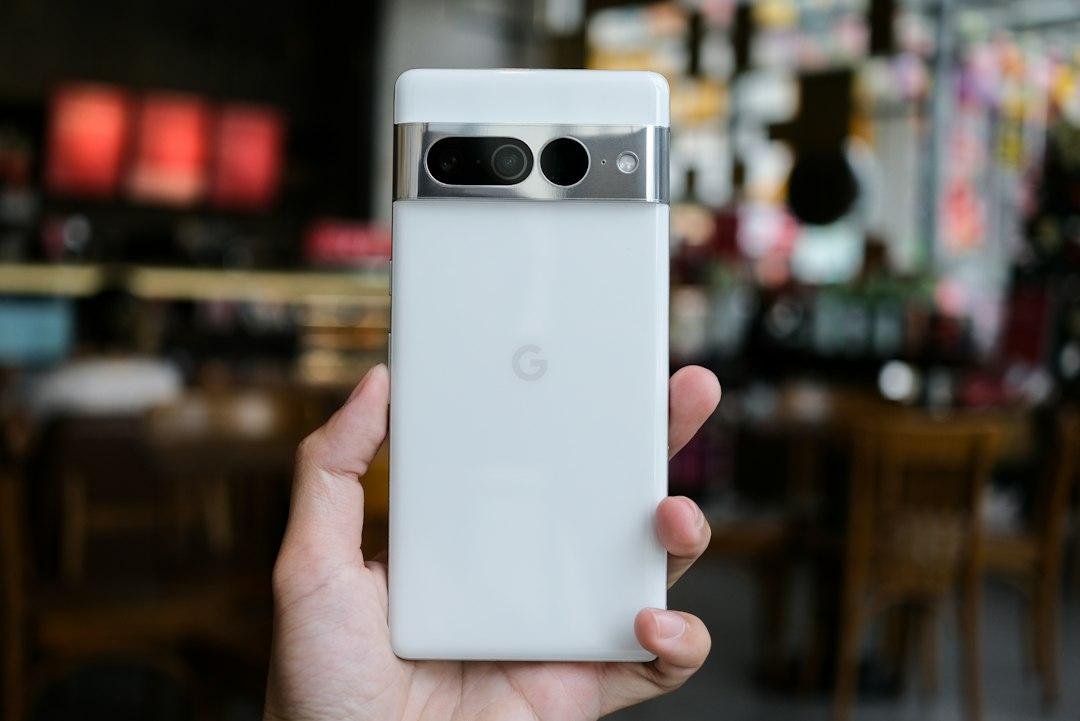
Comparing this phone to last year’s model highlights real performance jumps. You get a newer chip, a brighter screen, and a larger battery.
| Feature | Pixel 10 | Pixel 11 |
|---|---|---|
| Processor Chip | Tensor G5 | Tensor G6 |
| Peak Display Brightness | 2,000 nits | 2,700 nits |
| Main Camera Hardware | 50 MP standard sensor | 50 MP sensor with larger low-light intake |
| Battery Capacity | 4,700 mAh | 4,900 mAh |
| Software Support Window | 7 years | 7 years |
The design looks similar, but key upgrades make the phone feel much faster. Screen brightness jumps by 700 nits. This helps when taking photos outside in sunlight. The larger camera sensor captures extra light in dark rooms. Battery capacity rises to 4,900 mAh (milliamp hours, which measures electrical storage). That adds roughly two extra hours of active screen time.
Display and Hardware Performance
The Tensor G6 chip handles daily tasks with ease. Apps open without lag, and settings load fast. You get 12 gigabytes of RAM (random access memory). RAM serves as a temporary workspace to keep apps ready. You can switch between web browsers, maps, and photos without reloading.
Smart thermal management prevents performance drops. Internal channels spread heat evenly across the frame. This avoids thermal throttling, where a hot processor slows down to cool off.
Base storage starts at 128 gigabytes. That holds thousands of photos and apps. If you record lots of HD video, choose the 256 gigabyte option. Check rates on the official store before buying.
Camera Upgrades and Photo Quality
The shutter feels fast even in pitch-black rooms. The main 50 megapixel camera uses a larger sensor. It gathers far more light than older models. Dark restaurant shots stay sharp with minimal digital noise (grainy speckles in photos).
The ultrawide lens offers a 123-degree view. You can capture wide landscapes or large groups easily. Up front, the 10.5 megapixel selfie camera adds autofocus. It keeps your face sharp at any distance.
- Realistic portrait mode: Blurs background elements smoothly without cutting off stray hair strands.
- Stabilized 4K video: Records smooth 4K video at 60 frames per second. Optical stabilization absorbs hand shakes.
- Raw file support: Saves uncompressed picture data for photographers who prefer editing shots manually in photo apps.
- Voice isolation: Filters out background wind and city traffic so speech stays clear in outdoor video recordings.
Camera Upgrades and AI Photography Features
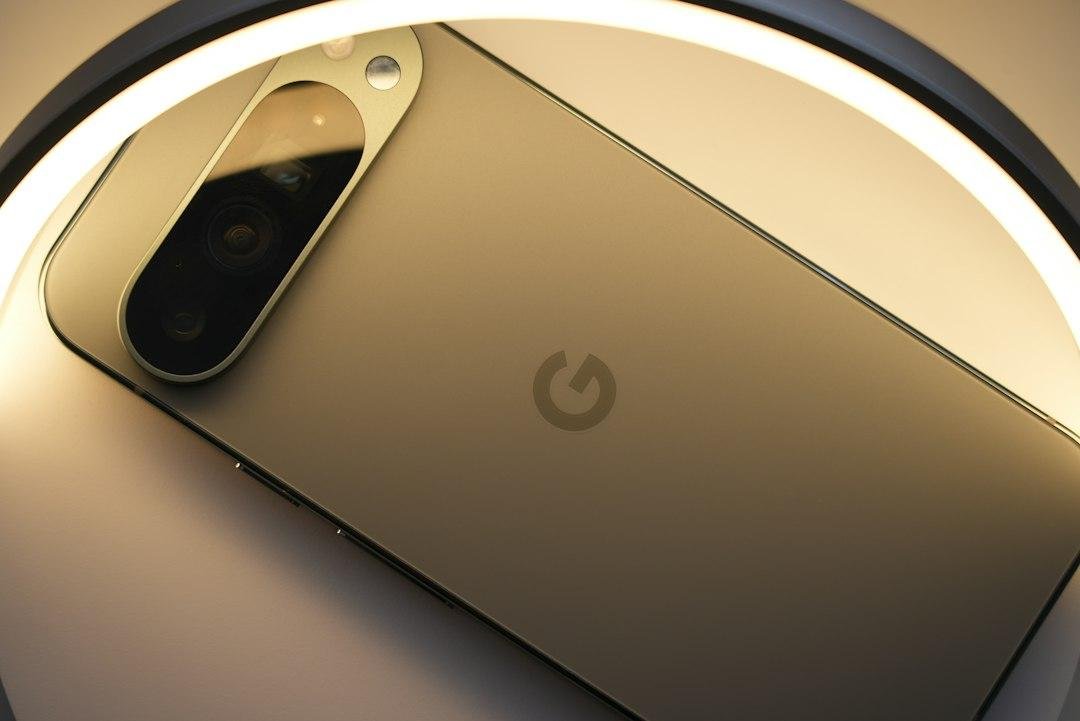
Smart photography software turns quick snapshots into polished photos. A portrait tool lets you adjust lighting on faces after shooting. The audio editor wipes away background traffic noise with a simple slider.
Generative tools let you remove unwanted objects cleanly. Processing runs directly on the Tensor chip. You no longer wait for cloud uploads to view enhanced night videos.
Before relying on these features for daily shooting, keep these practical limits in mind:
- Processing pauses: Applying heavy generative edits to large photo files takes a few seconds.
- Storage demands: Uncompressed RAW photo files and 4K video recordings quickly consume local storage space.
- Digital zoom limits: Photos stay sharp up to 5x zoom. Pushing past 10x digital zoom softens fine details.
For photo fans, these smart editing tools add real value to daily shooting.
Tensor Processor, Performance, and Battery Life
System performance jumps roughly 15 percent over older models during heavy multitasking. The custom Tensor chip handles heavy workloads smoothly. Frame rates stay steady during gaming.
Battery life is a major highlight. The phone offers 15 to 17 hours of active use per charge. Upgraded 45W wired charging fills the battery from empty to 60 percent in about 25 minutes.
- Sustained processing: Custom silicon maintains fast speeds without generating uncomfortable exterior heat.
- Magnetic wireless charging: Supports convenient wireless charging up to 15W without loose cables.
- Fast wall refills: Upgraded charging speeds reduce downtime when preparing for travel.
Frequently Asked Questions
How much does the Google Pixel 11 cost?
The base model starts near $799 as of September 26, 2026. The Pro model usually costs $999. Prices remain competitive given the display and camera upgrades. Check the official store before buying.
Is upgrading from an older phone worth it?
If you own a Pixel 10, the small speed boost may not justify upgrading. However, moving from a Pixel 9 or older brings faster app launches and longer battery life.
How long does the battery last on a full charge?
The phone routinely lasts 24 to 28 hours under normal use. That includes 6 to 7 hours of active screen time. You can top up fast with USB-C chargers.
Does the standard Pixel 11 feature an optical zoom lens?
No, the base model uses its main camera and software for close-up shots. The 5x telephoto lens is exclusive to the Pro model. Still, everyday close-up shots look crisp.
How many years of software updates are included?
Google promises seven full years of Android OS and security updates. This keeps your phone safe and functional through 2033.
Final Verdict: Is the Google Pixel 11 Worth Upgrading?
Deciding to buy comes down to the phone you currently own. The Pixel 11 offers refined build quality, but not everyone needs an immediate replacement. Here is how to decide:
- Pixel 10 owners: Skip this generation. Minor display tweaks and small speed gains do not justify spending $799 as of September 26, 2026. Keep your phone another year.
- Pixel 9 owners: Wait unless your battery has degraded. Your current phone still handles daily apps, streaming, and photos with ease.
- Pixel 8 or older Android owners: Buy this model with confidence. Upgrading from a three-year-old phone brings better battery life, a brighter screen, and sharper photos.
For users with older devices, this phone offers outstanding everyday value. Check trade-in values on the manufacturer’s site before you decide.